Hadiya.K
Projects  /  Nova App  /  Case study

Nova App

Thinking light, living light, a companion app for a dual-mode lamp

DisciplineUI/UX, lighting design
Timeline6 weeks
RoleResearch to prototype
Made withFigma, Keyshot
Nova app on a phone
01Brief02Timeline03Journey map04Interface system05Screens06Prototype07The lamp08Outcome
01
Brief & objective

What the app has to get right

The brief

Nova is one lamp doing two jobs, ambient wash and focused task light. The app has one real job: make switching between them a single tap.

  • 01Lighting doesn’t adjust itself to the time of day
  • 02Finding the right setting takes too long
  • 03Brightness is hard to fine-tune with taps
  • 04Scheduling sits buried where nobody finds it
The objective

One screen per light. Intensity, mode, direction and schedule all live on it, so the app never asks you to go looking.

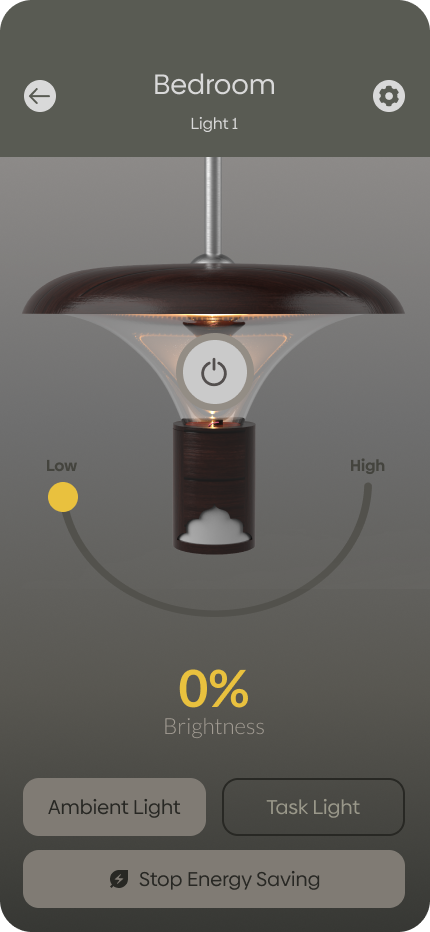
  • 01An arc slider for brightness, not steps
  • 02Ambient and Task as two plain buttons
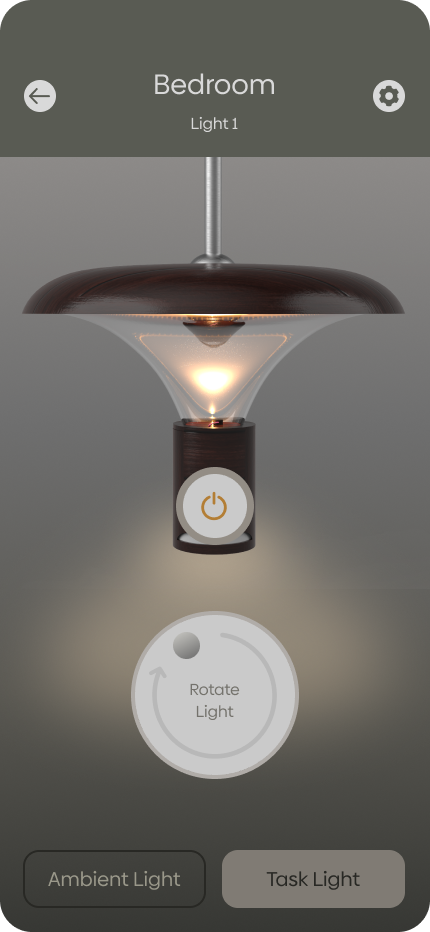
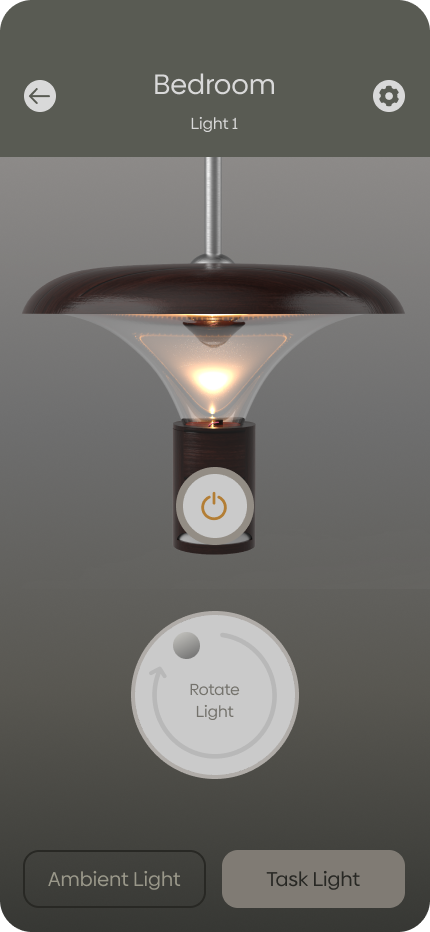
  • 03A dial to aim the task beam
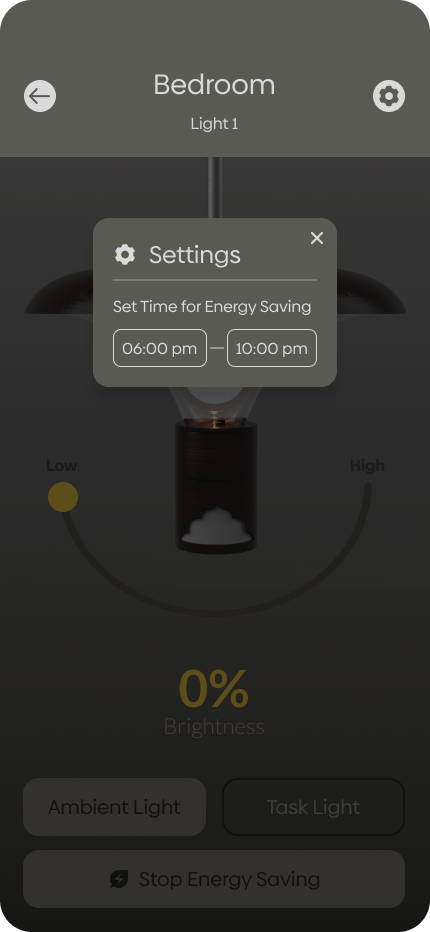
  • 04Energy saving on a set time window
02
Timeline

Six weeks, two tracks

UX researchWeeks 1-3
User interviews & surveysUser personasCompetitor analysisUser journey mapping
UI designWeeks 4-6
WireframingVisual designHigh-fidelity mockupsInteractive prototyping
03
Journey map

One evening in a dimly lit room

Start to finish. Every pain point on the right became a decision in the interface.

StageActionPain pointWhat it changed
Enters the roomWalks into a dim room after sunsetLighting doesn’t adjust on its ownTime-based energy window in Settings
Opens the appLooks for the right room and lampTakes too long to reach a settingRoom and light as two dropdowns in the header
Switches modeMoves from task to ambient lightInterface felt clutteredMode-based layout, the screen changes with the mode
Adjusts settingsLowers brightness, warms the toneHard to fine-tune at firstArc slider with a live percentage read-out
Moves to taskTurns on focused light to readMust switch modes by hand each timeRotate-light dial appears with Task mode
Wraps upSchedules the lights to auto-dimScheduling was hiddenSave Energy pinned to the bottom of every screen
04
Interface system

Warm greys, and one amber that means light

Aa
Biennale SansWide, light, quiet, it disappears against the render so the lamp stays the subject.
Palette
#ADA39E
#C9BAA6
#CAAD4D
#595B53
#2A251E
#171716
Warm greys carry the shell; the single amber is reserved for anything that means light is on.
05
Screens

The lamp itself is the interface

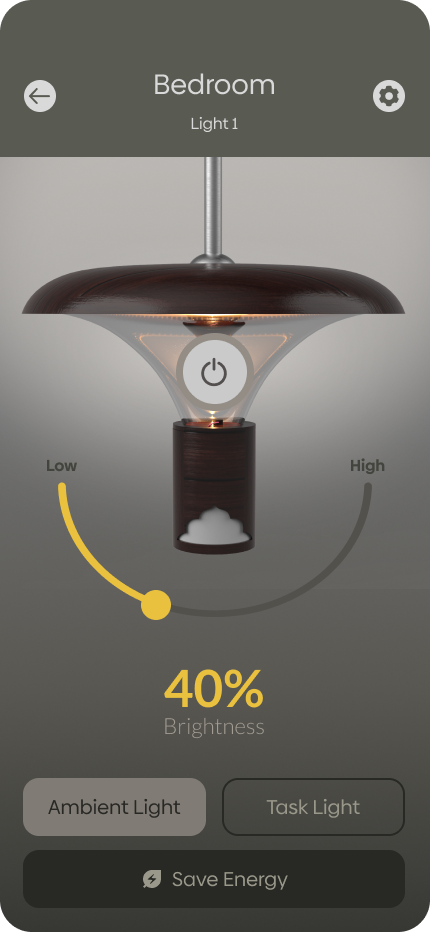
Every screen shows the real fixture reacting, brightness, warmth and beam all change on the render as you set them, so the control and its result never sit apart.
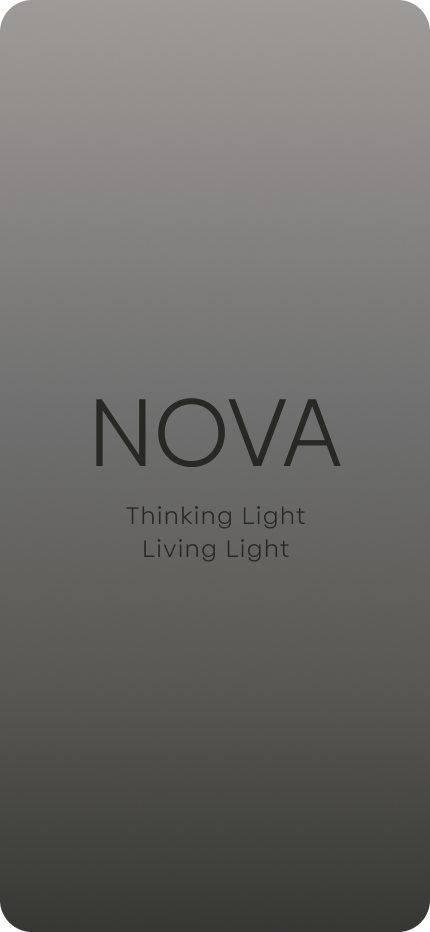
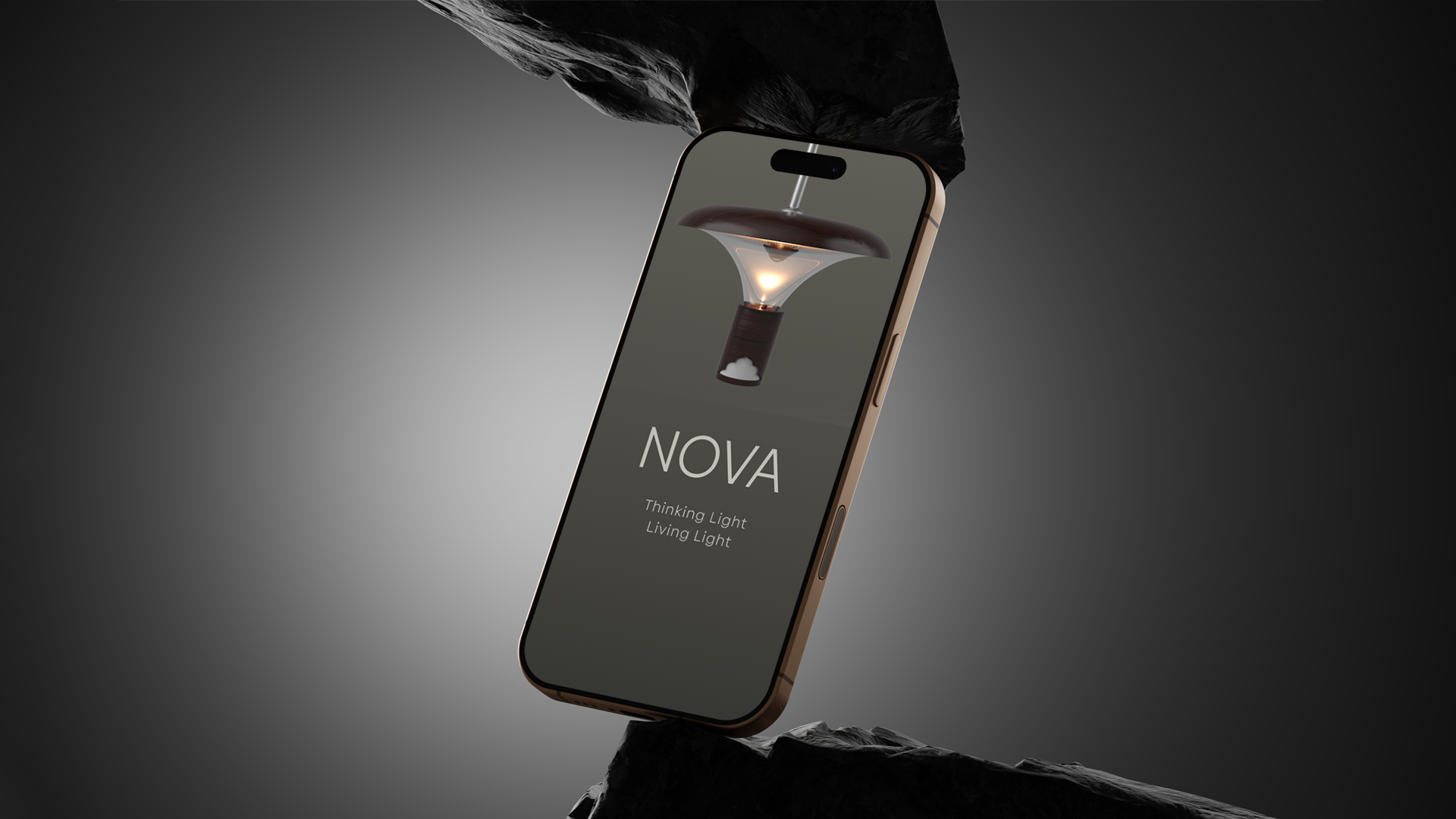
Nova splash screen
Splash, thinking light, living light
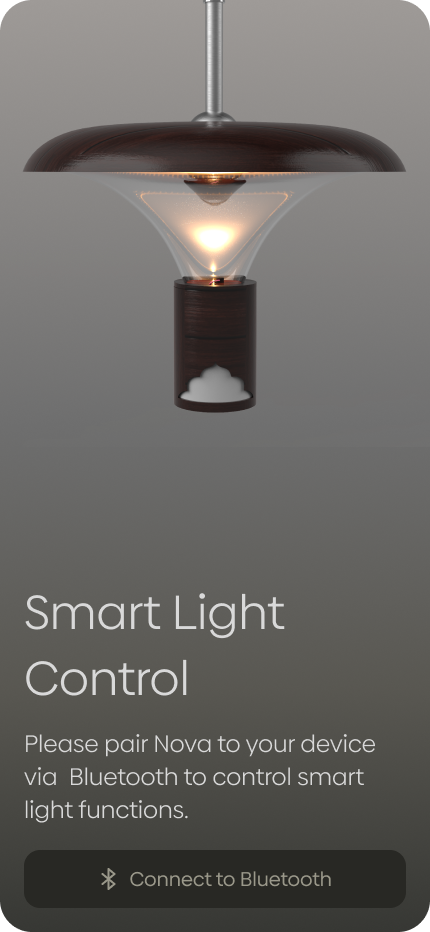
Bluetooth pairing screen
Pair, one Bluetooth handshake, once
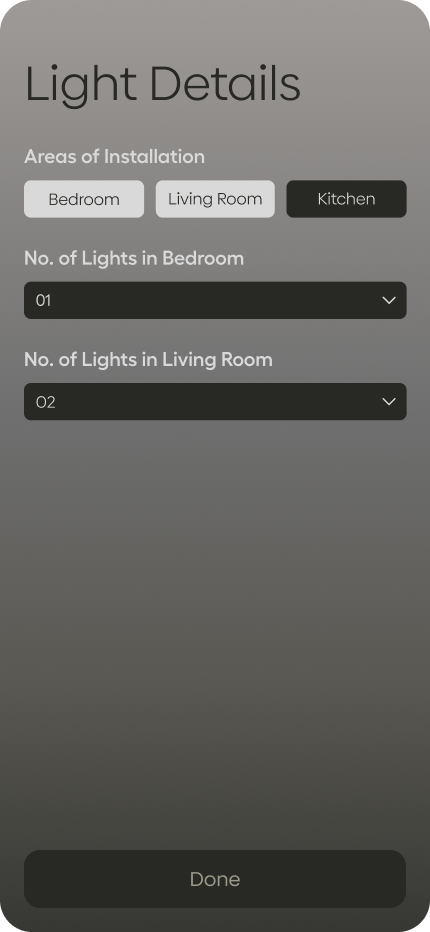
Light details setup screen
Setup, rooms and how many lamps in each
Room selection dropdown
Room, dropdown from the title, not a page
Light selection dropdown
Light, pick the fixture in the same gesture
Ambient mode at 40% brightness
Ambient, arc slider, live percentage
Task mode with rotate dial
Task, the dial aims the beam
Energy saving settings
Settings, the energy-saving window
06
Prototype

Pair once, then four controls

PairChoose roomSelect lightAdjust
Brightness on a slider, 0-100%Ambient or task in one tapTask beam aimed by dialEnergy saving on a schedule
07
The lamp

The fixture on the other end

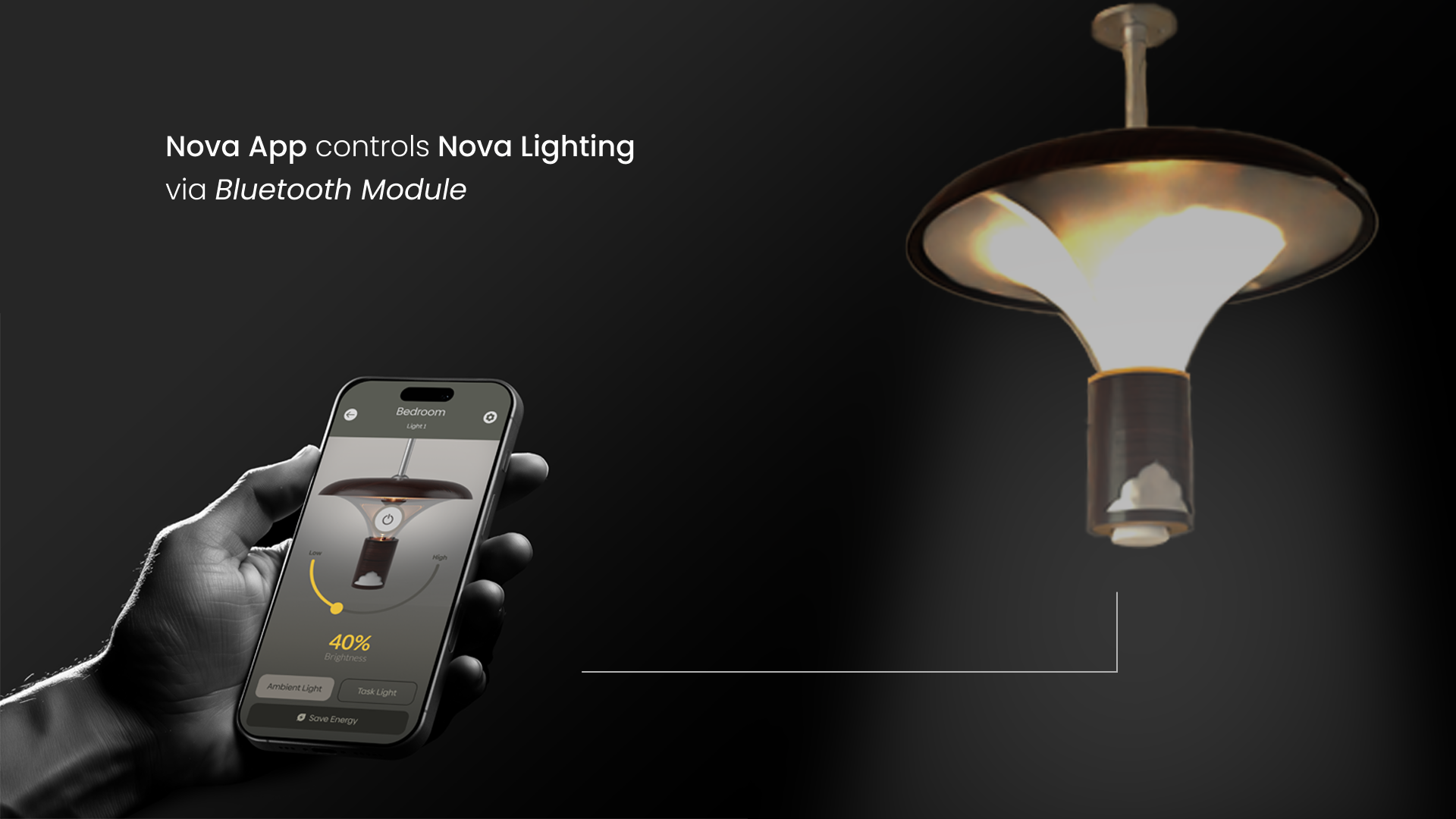
The app reaches the fixture over a Bluetooth module in the shade, no hub, no account, no network setup. Pair once and the phone is the switch.
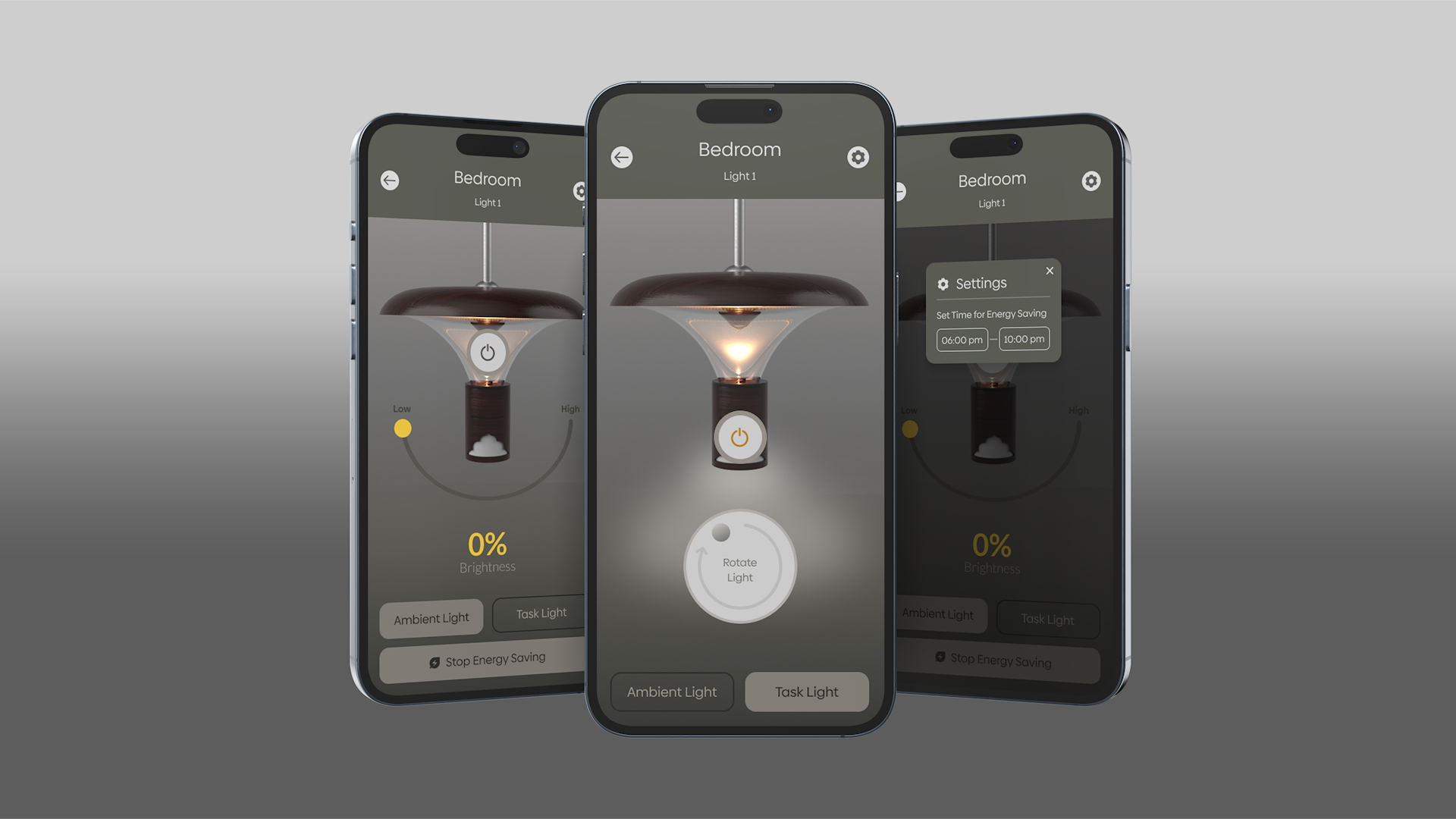
Nova app controlling the lamp over Bluetooth
08
Outcome

What testing kept removing

Nova app, final screens

The interface ended up smaller than it started: one screen per lamp, two modes, four controls. Every round of testing took something out, and splitting the screen by mode was the change that finally stopped people hunting.

Next: scenes, so a whole room’s worth of lamps moves on one tap.
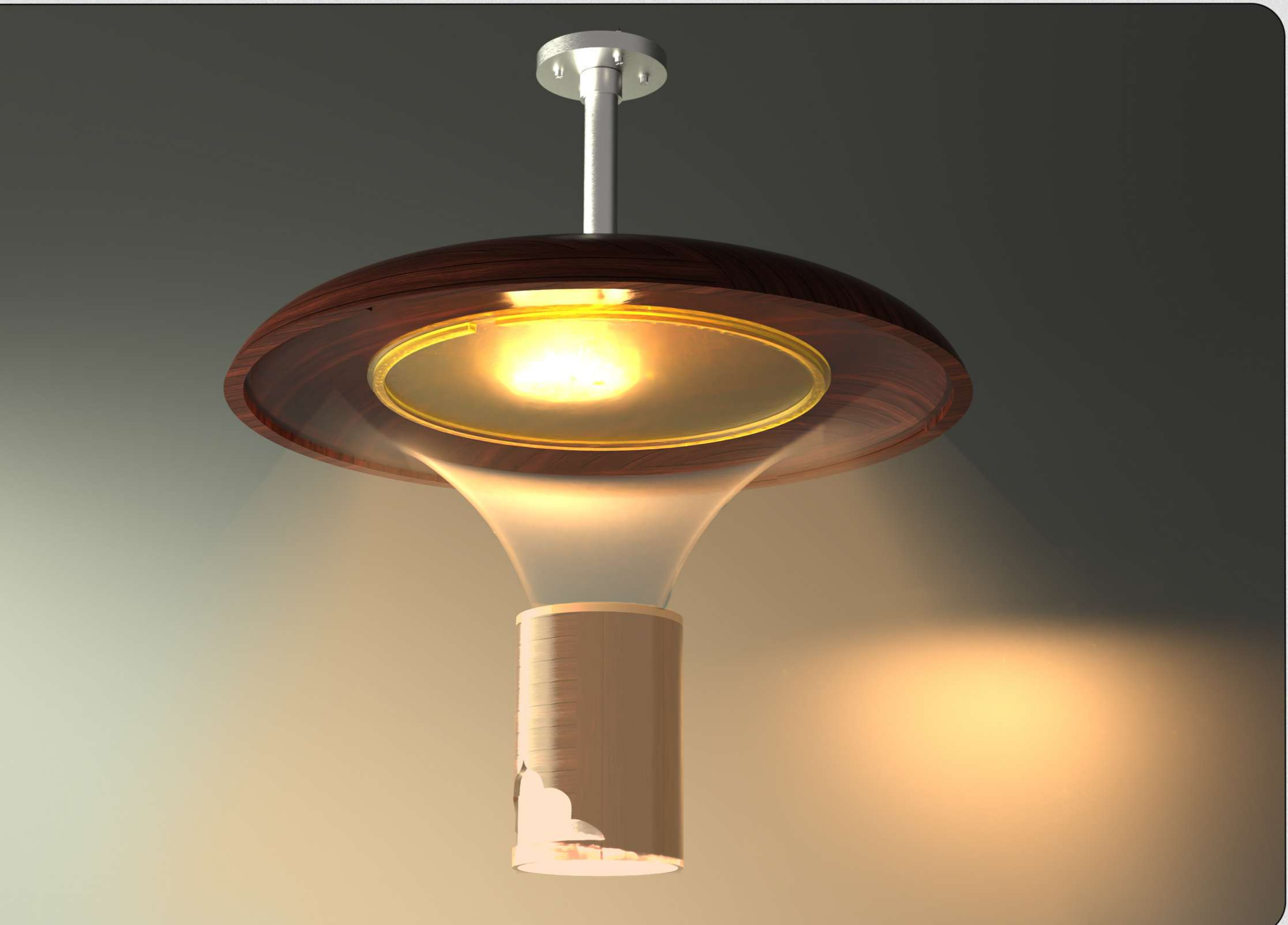
Companion projectThe app is one half. Nova the pendant is the other.This UX case study accompanies the industrial design of the lamp itself, the ambient and task assemblies, the twist-lock, the materials. Every control in the app maps to something physical in that project.Nova, Smart Lighting Pendant
Nova pendant, final render
Nova app, final screens
Figma prototype View HydracycleBack to Projects